
/filters:format(webp)/filters:quality(100)/prod01/channel_3/media/tcd/itservices/images/news/sharepoint-tips-follow.png)
This is how you do it:
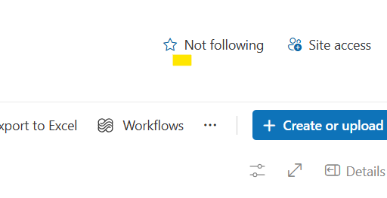
- Go to the relevant SharePoint site you want to follow and from the top right-hand side corner, click on the star icon (Not following) to follow the site to “light up the star”.
Note: On some sites the Follow star is hidden behind “More” or the three dots, also on the top right-hand side of the site.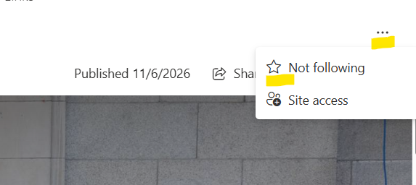
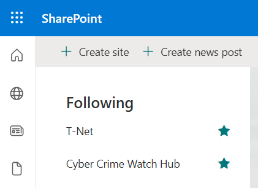
- That’s it, you can now find your site at the top of your SharePoint list on the SharePoint landing page for quick access.
One more tip to come next week!