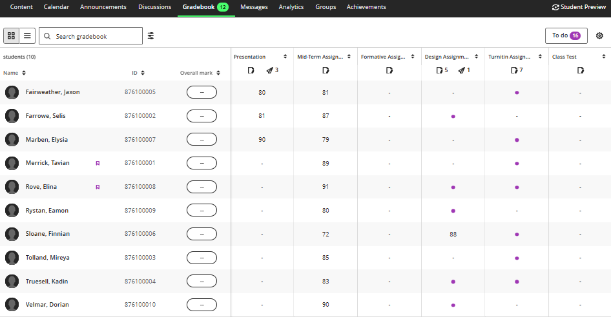
Blackboard has rolled out a new Gradebook Grid View. This new interface includes a variety of navigational changes and features. For a summary of the updated changes, check out the list further below or view the video describing the recent update in more detail.
Navigation & Layout
The entire gradebook has been redesigned with a new interface, intended to make it easier to scroll through names and assignments without losing your place.
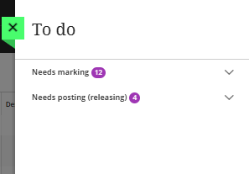
To Do option
Displays any items that need grading or marks that need to be posted/released to students (replaces the previous Overview tab).
Updated Search
Now you can search for items in the gradebook or for a submission receipt within the one search field.
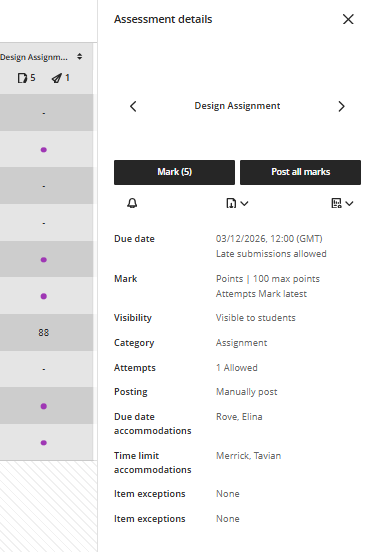
Column Headers & Assessment details panel
Access the new Assessment details panel by clicking on a column header. View submissions, download results or view statistics all within the one place.
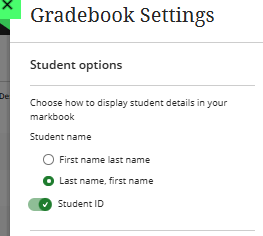
Student Options within Gradebook settings
Select how student names are displayed within the gradebook and toggle the Student ID on/off.
Sorting columns
You can now sort any gradebook column ascending or descending within the column header using the arrows displayed beside the name.

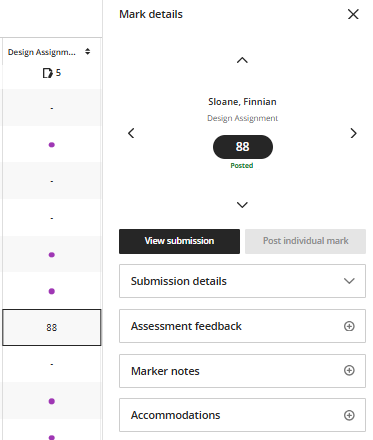
Mark details panel
The new Mark details panel now shows the student name, column name, mark, posting status, submission details, feedback, marker notes, and accommodation options, all in one place.
Posting/Releasing marks to students
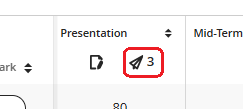
A number indicator at the top of the column shows how many marks need to be posted/released to students. Individual posting/releasing status is visible in the Grade Details panel when you click a cell.