


Student registration must be completed online for every year of your course. This is essential to allow you to enrol in classes and to maintain an active student record in Trinity.
Registration invitations are sent out in batches. This will be sent to you soon.
Please check if your course requires you to complete Garda Vetting as you cannot start registration until you have completed it.
Before Registration
Continuing students
Current students log in to my.tcd.ie using their current Trinity email and password.
Once you received your invite to register, you can begin registration.
New students
New students log in to my.tcd.ie with their applicant username and password using the ‘Other Users’ button.
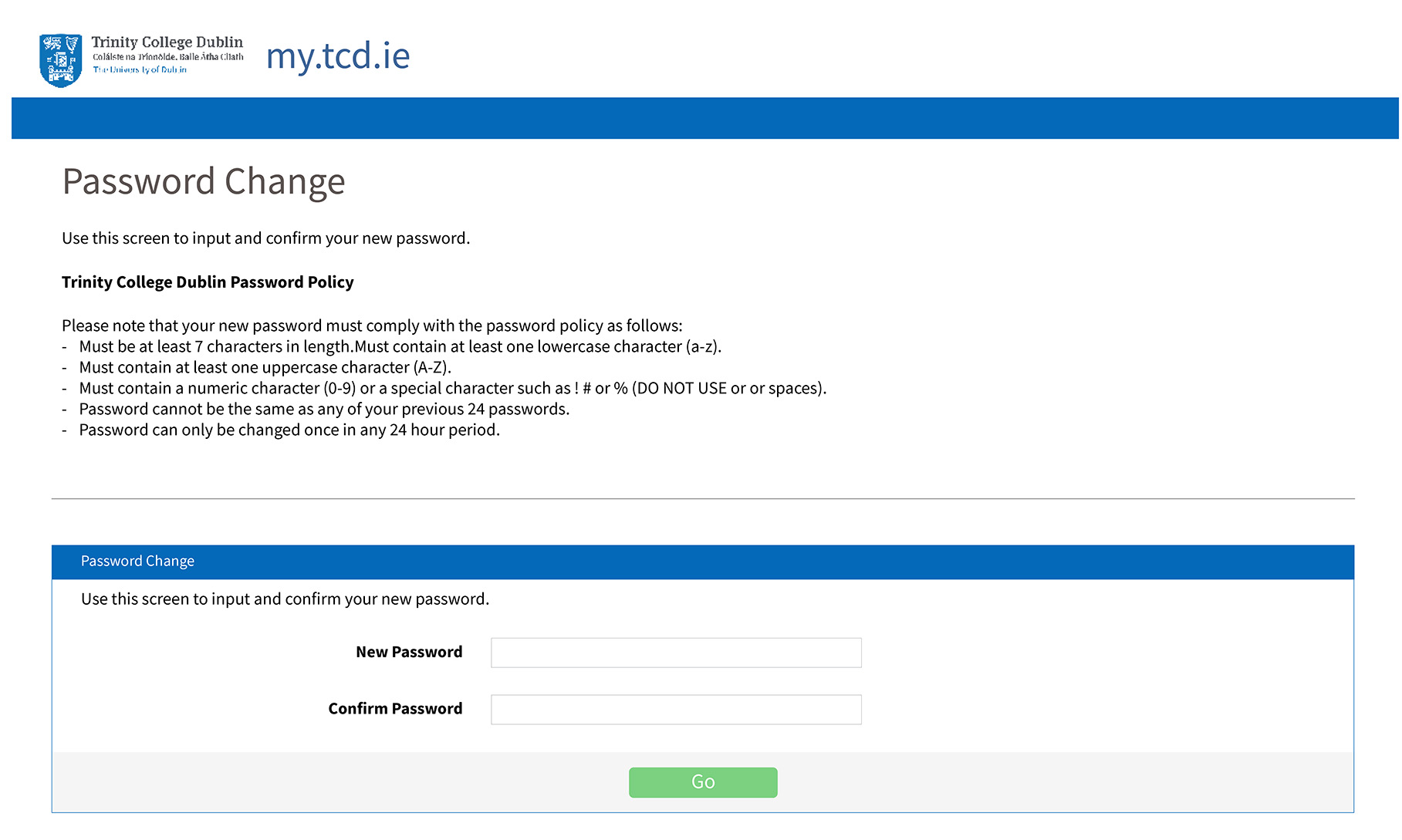
After you log in with your initial password, you will be asked to change your password. Remember that this updated password is the password to my.tcd.ie only.
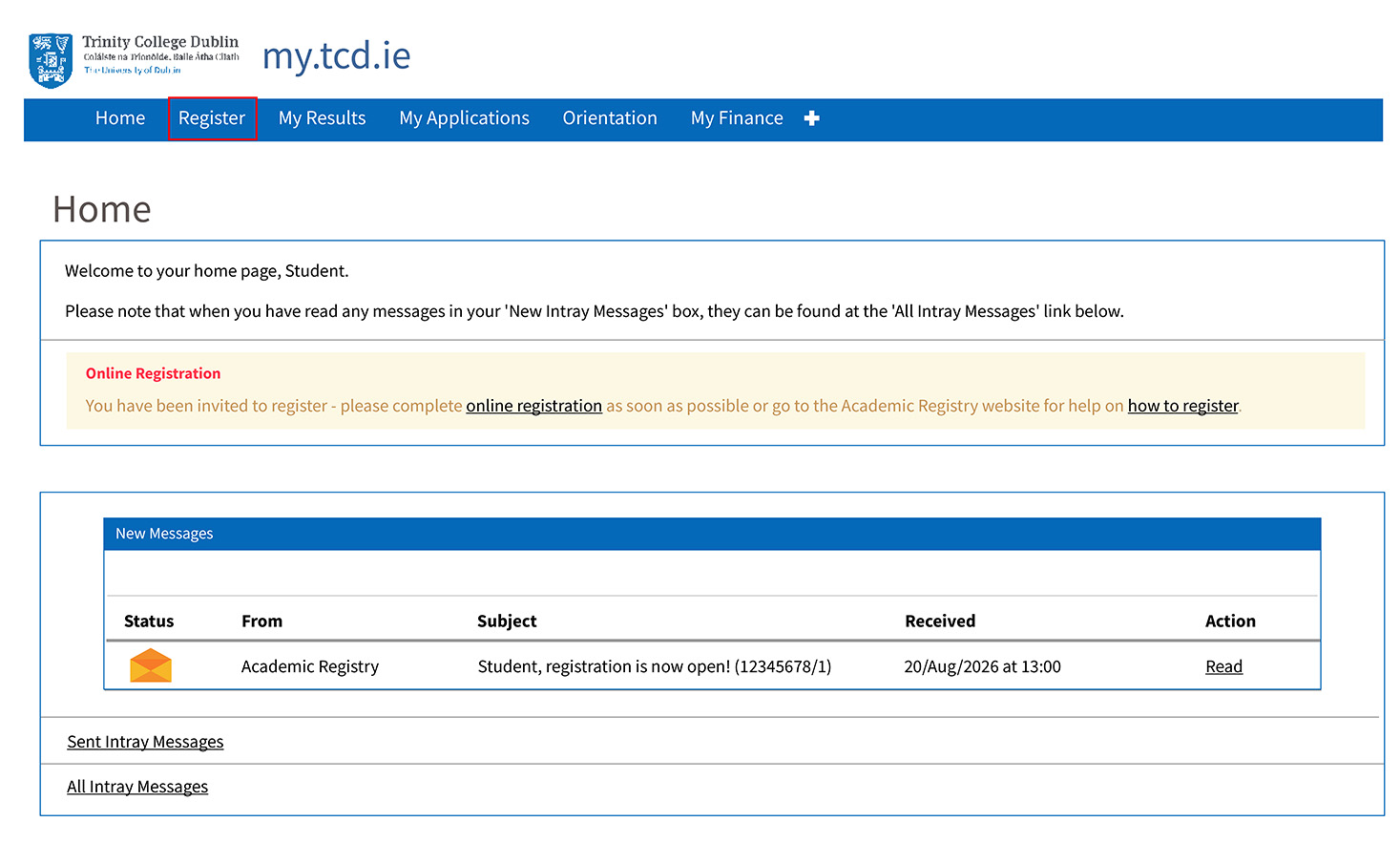
Once you are logged in you will see your invitation to register (example below.)
Once you receive this invitation and the register tab appears, you can begin registration.
Completing Registration
Some courses require students to complete Garda vetting. Students cannot proceed with registration until their garda vetting is completed.
Some courses with clinical placement require students to complete a Health Screening.
These are the steps you must complete to register:
- Personal Details
- Contact Details
- Other Personal Details
- Emergency Contact Details
- Course
- Equal Access Survey*
- Financials**
- Terms and Conditions
To find out more about registration, you can watch our video here.
*This survey only appears for first year undergraduate students.
**Paying your fees does not automatically complete the financials step. Once you have confirmation that your fees are paid, make sure to go back into my.tcd.ie to complete this task.
Start of Term - New Students
Trinity ID Card
You can apply for your student ID card (TCard) after you’ve completed registration. Your TCard allows you to access the library, can be used as a payment method on campus and is your proof of identity for your exams.
For more information, please visit our student ID card page.
My.tcd.ie
The Trinity College my.tcd.ie portal is the hub for all of your student information.
To see how you can use it please watch our video here.
Trinity Computer Account
Once you’ve completed your registration, you’ll be asked to activate your Trinity Computer Account.
You can activate it by clicking the link in the red banner in your my.tcd.ie portal. The login details of your Trinity Computer Account can be used to access college services like your college email.
For more information please visit the IT services webpage.
Proof of Registration Letter
You can generate your proof of registration letter through my.tcd.ie.
For more information please visit out documents webpage.
FAQs
If you have any queries about registration, please visit AskTCD.